Every product is independently reviewed and selected by our editors. If you buy something through our links, we may earn an affiliate commission at no extra cost to you.
If you’ve noticed grow light flickering, you’re not alone. I’ve had a few panicked evenings in my own indoor seed-starting setup when the lights began strobing just as my tomatoes were getting established. Many beginners search for quick fixes and come across odd suggestions including using baking soda and vinegar to clean contacts or “reset” the fixture.
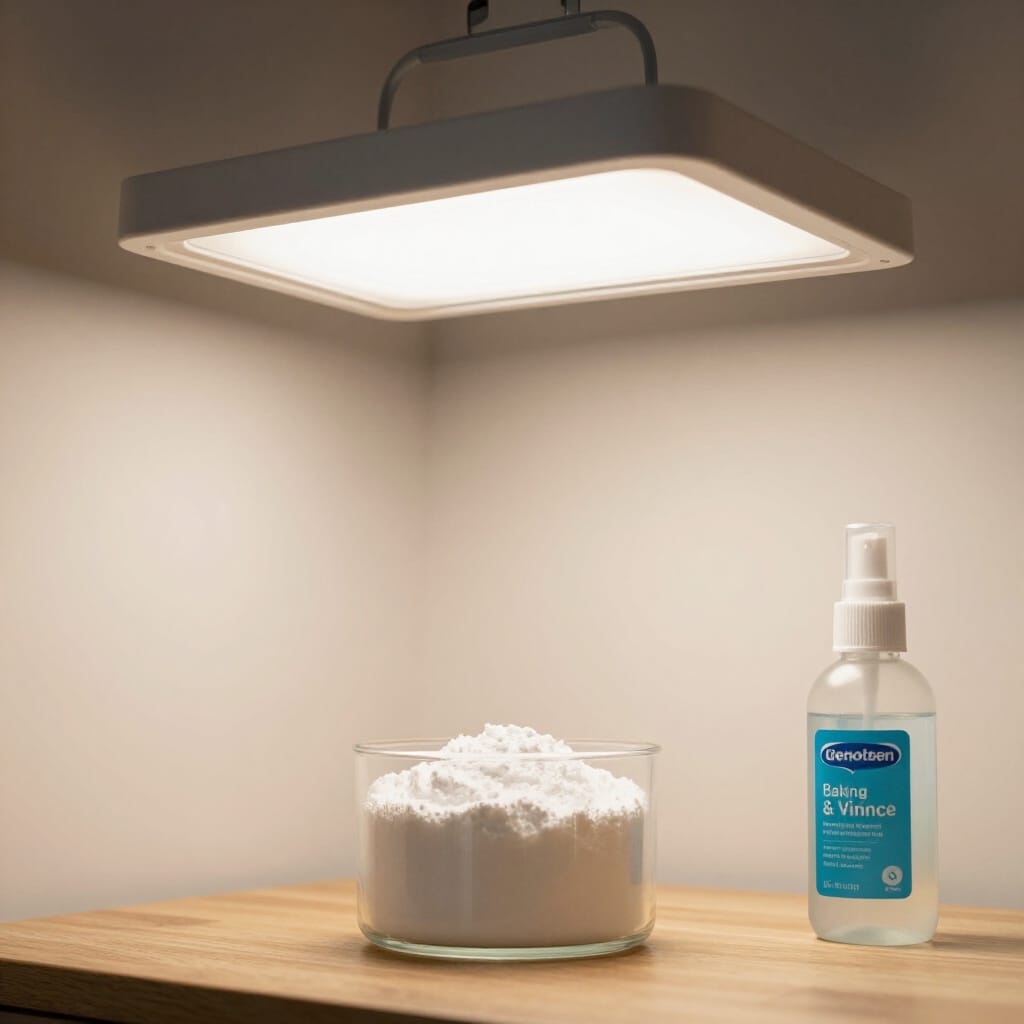
Here’s the truth: Grow light flickering is almost never caused by dirt you can fix with baking soda and vinegar. And mixing liquids especially acidic ones anywhere near electrical parts can be unsafe.
In real home gardens, flickering grow lights usually point to power, wiring, or component issues, and the solution is straightforward once you know what to look for.
This guide walks you through safe, practical steps to diagnose and stop flickering, with beginner‑friendly troubleshooting you can use immediately.
Why Grow Lights Flicker (The Real Reasons)
Grow lights aren’t complicated, but they do rely on stable current. From hands-on use in my own seed station, flickering almost always comes down to:
1. Loose or weak electrical connections
A wobbly plug, a bent prong, or a worn‑out outlet can cause intermittent flickering.
2. Failing LED drivers or ballasts
Most LED grow lights rely on a driver. When it begins to fail, flickering is usually the first sign.
3. Overloaded power strips
Many home gardeners plug heat mats, fans, and lights into the same strip. Cheap strips can’t handle the load.
4. Moisture exposure
High humidity (especially near propagation trays or hydroponic setups) can affect internal components.
5. Aging LEDs
LEDs don’t last forever. After years of daily use, their brightness may fluctuate.
6. Dimmable models + incompatible dimmers
Mismatched electronics can cause strobing, especially on budget fixtures.
Why baking soda and vinegar won’t fix flickering
Baking soda and vinegar can clean mineral deposits off pots—but:
- They can’t repair electrical components
- They introduce moisture near wiring
- The reaction can cause mild corrosion on metals
For electrical equipment, dry cleaning methods only.
What You’ll Need (Safe Tools Only)
- A dry microfiber cloth
- A clean, dry toothbrush
- A surge protector (quality brand; not the $5 bargain-bin type)
- A replacement outlet strip if yours is overloaded
- Optional: a plug‑in outlet tester (safe, cheap, and very helpful)
Avoid:
- Liquids of any kind
- Baking soda + vinegar mixtures
- Sprays, detergent, or degreasers
Step-by-Step: How to Stop a Grow Light from Flickering
These are the steps I use in my own grow room when a light acts up.
1. Turn everything off and unplug the fixture
Do not touch wiring while it’s connected to power.
2. Check the outlet and plug fit
The plug should fit snugly into the outlet. A loose fit is one of the most common real-world causes of flicker.
3. Inspect the cord for kinks, flattening, or frayed areas
If anything looks worn, replace the cord or the fixture. Cords near heat mats tend to degrade faster.
4. Dry-clean the plug and ports
Use a dry toothbrush to remove dust. Dust buildup around the prongs can interfere with consistent contact.
5. Try another outlet on a different circuit
If the light stops flickering, the issue is your outlet not the light.
6. Remove the power strip from the equation
Direct wall connection eliminates 50% of flicker issues in small indoor setups.
7. Check for driver overheating
Touch the light’s external casing after it’s been on for 30 minutes. Warm is normal. Hot is a sign the driver is struggling.
8. Reduce humidity around the fixture
If your grow area regularly hits 70%+, add airflow. Moisture is hard on electronics.
9. Replace the driver or fixture if flickering continues
For budget LED grow lights, replacing the entire unit is usually cheaper and safer than repairing the driver.
Pro Tips & Best Practices (From Real Indoor Use)
- Keep grow lights at least 12–18 inches away from mist-heavy areas like seedling trays with domes.
- Always mount lights securely; vibration can worsen flicker over time.
- Use timer switches rated for grow lights, not decorative lamp timers they can fail under continuous load.
- Replace power strips every 2–3 years; they degrade faster in humid garden rooms.
- If your grow setup is in a basement, consider using GFCI outlets for safety.
- Wipe lights gently with a dry cloth each month to clear dust that reduces performance.
FAQ
Why is my grow light flickering only sometimes?
This usually indicates a loose connection or an overworked driver that flickers under heat.
Can I use baking soda and vinegar to clean the grow light housing?
Not recommended. Moisture near electrical parts is unsafe. Stick to dry cleaning.
Is flickering bad for seedlings?
Yes. Inconsistent light interrupts growth cycles and can stretch young plants.
Can humidity make grow lights flicker?
Yes. High humidity can affect electronic components and connections.
Why does my grow light flicker on a dimmer?
Your light may not be compatible with the dimmer model; use a dimmer rated for LEDs.
When should I replace the fixture entirely?
If flickering persists after checking connections and power sources, the driver or internal components are failing.
When NOT to Troubleshoot Yourself
Avoid DIY fixes if:
- The cord is damaged
- The light smells like burning plastic
- You see moisture inside the housing
- The fixture is warm enough to concern you
- You hear buzzing or popping sounds
These require professional inspection or replacing the unit.
Alternative Solutions
1. Replace with a higher-quality LED grow light
Pros: Reliable, efficient, long lifespan Cons: Higher upfront cost
2. Switch to T5/T8 fluorescent grow lights
Pros: Even light, predictable performance Cons: More heat, bulbs need replacing
3. Improve power stability
Using surge protectors and separate circuits reduces stress on lights.
Each option works; choose based on your space, climate, and plant load.
Conclusion
Grow light flickering can be frustrating especially when your seedlings are depending on consistent light but it’s almost always easy to diagnose with a few safe checks. Remember, baking soda and vinegar won’t fix flickering and shouldn’t be used near electrical equipment.
By checking connections, reducing humidity, and using quality power management, you can keep your indoor garden running smoothly and your plants growing strong.